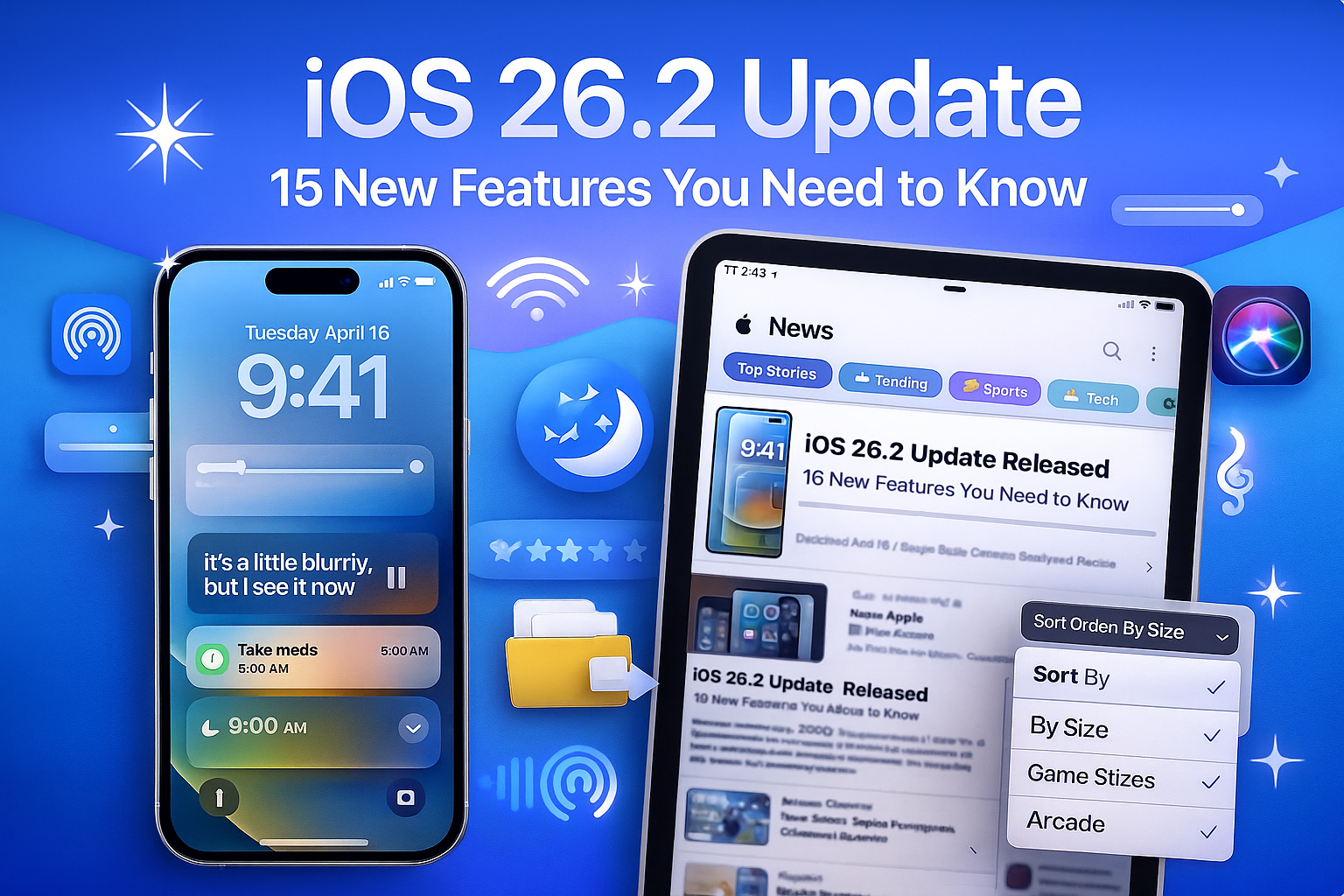
Apple is preparing to release iOS 26.2, the latest update for iPhones, between December 8 and December 16, 2025. This update brings a variety of new features and enhancements across iPhone and iPad devices, making daily use easier, safer, and more enjoyable.
Here’s a detailed breakdown of the 15 most important features in iOS 26.2.
1. Alarm-Style Reminders
The Reminders app now includes an Urgent mode, allowing reminders to trigger an actual alarm instead of a simple notification. This ensures important tasks, appointments, and deadlines are never missed.
2. Liquid Glass Clock Customization
iOS 26.2 adds a transparency slider for the Lock Screen’s Liquid Glass clock. You can adjust it from nearly invisible to fully opaque, giving your Lock Screen a more personalized look.
3. AirDrop With One-Time Codes
Sharing files with people not in your contacts is now easier. The one-time AirDrop code feature is valid for 30 days, and you can manage shared contacts in a dedicated section for better control.
4. Apple Music Lyrics Offline
Apple Music now lets you view lyrics without an internet connection, so you can enjoy sing-alongs anytime, anywhere, even when offline.
5. Improved Sleep Scores on Apple Watch
The Sleep Score system has been reworked for more accurate results:
- Very Low: 0–40
- Low: 41–60
- OK: 61–80
- High: 81–95
- Very High: 96–100
This helps users better understand their nightly rest and sleep quality.
6. Automatic Podcast Chapters
Podcasts now automatically generate chapters for each episode, and transcriptions include interactive links, making navigation and exploration much easier.
7. Password Management Updates
iOS 26.2 introduces the ability to review and manage websites where you’ve chosen not to save passwords, giving you more control over security.
8. AirPods Live Translation in Europe
The AirPods Live Translation feature is now available in the European Union, allowing real-time language translation for smoother conversations in other languages.
9. Screen Flash Alerts
Notifications can now trigger a flash on the front screen, not just the rear LED. Options include:
- Screen flash only
- LED flash only
- Both flashes together
This is useful for accessibility and ensuring important alerts are noticed.
10. Faster Access in Apple News
Apple News has a new top navigation bar for quick access to categories such as Sports, Business, Food, and Puzzles, improving browsing speed and efficiency.
11. Enhanced Safety Alerts
The Enhanced Safety Alerts section consolidates:
- Earthquake alerts
- Imminent-threat alerts
- Location-based improved delivery
This ensures critical alerts reach you reliably and promptly.
12. Sort Games by Size
The Games app now lets you sort games by file size, making storage management easier. Controller navigation improvements and live challenge score updates also enhance the gaming experience.
13. Disable Pinned Messages in CarPlay
CarPlay users can now turn off the pinned messages view, restoring the classic Messages interface for a simpler and less distracting experience while driving.
14. Third-Party Voice Assistants in Japan
iPhone users in Japan can now replace Siri with other assistants, such as Alexa or Gemini, using the Side button. This allows more flexibility and choice for voice commands.
15. Multitasking Improvements on iPad
iPad users gain improved multitasking. Apps can now be dragged from the Dock, Spotlight, or App Library into Split View or Slide Over, making it easier to manage multiple apps simultaneously.
How to Update to iOS 26.2
Once iOS 26.2 is released:
- Open Settings
- Go to General → Software Update
- Tap Download and Install
Tip: Back up your iPhone or iPad before updating to ensure a smooth installation process.
iOS 26.2 focuses on practical enhancements and usability improvements, making iPhones and iPads more convenient, safer, and fun to use. Whether you rely on Reminders, Podcasts, gaming, or multitasking, this update offers something for everyone.