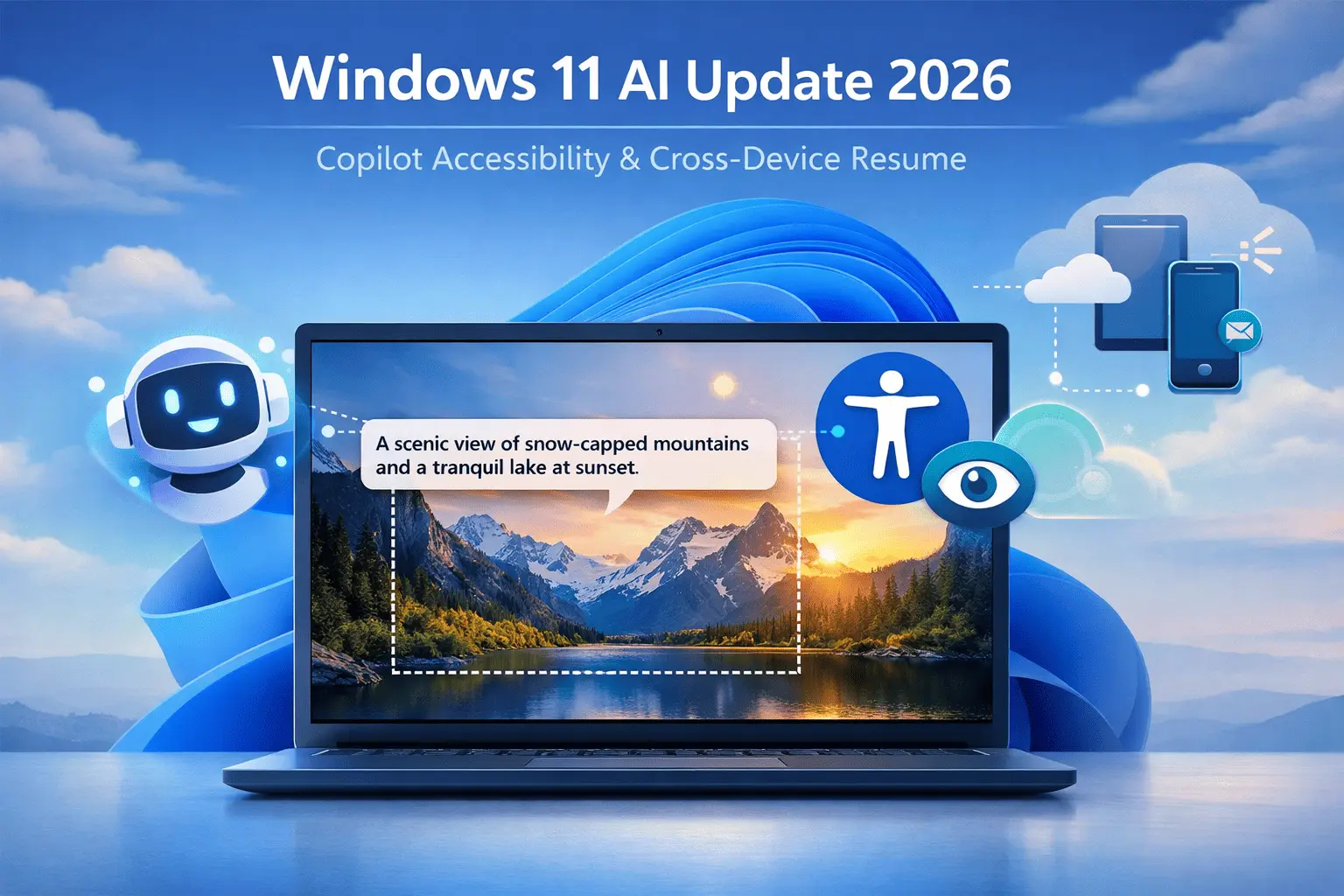
Microsoft’s first Windows 11 preview build of 2026, Build 26220.7535 (KB5072046), might seem like a minor update on paper. Yet beneath the surface, it signals a strategic shift in how the company is thinking about AI, accessibility, and user choice.
This is not just another incremental Windows update. It’s the moment when Microsoft appears to be moving from AI as a marketing feature to AI as a meaningful, practical tool, especially in areas like accessibility and cross-device productivity.
Accessibility First: Copilot Goes Mainstream
The most headline-worthy change in this build is the expansion of AI-powered Narrator image descriptions to all Windows 11 PCs. Previously, this feature was exclusive to Copilot+ PCs, limiting access to those with premium hardware and NPUs.
Now, Narrator can generate AI descriptions for images, charts, graphs, and app interfaces on any Windows 11 device, giving blind and low-vision users richer, more detailed context than ever before.
Keyboard shortcuts make it simple to use:
- Narrator key + Ctrl + D → describe focused image
- Narrator key + Ctrl + S → describe the entire screen
Importantly, users retain full control: images are only analyzed when explicitly requested, and no specialized AI hardware is required.
Why it matters: Unlike many of Windows 11’s other AI features (wallpapers, taskbar suggestions, chat integrations), this one solves a real problem. Experts call this a “course correction” for Microsoft’s AI strategy.
“Accessibility features should never be a premium add-on,” says a Windows ecosystem consultant. “By removing the Copilot+ restriction, Microsoft is acknowledging that some AI belongs at the core OS level, not behind a hardware paywall.”
Copilot+ PCs vs Standard Windows 11: The Gap Is Narrowing
Copilot+ PCs were originally marketed as the only way to experience “full AI Windows,” with local processing and advanced inference. But this build signals a shift: Microsoft is moving some Copilot features into the mainstream, leaving the hardware advantages to performance and privacy-focused workloads.
What remains exclusive to Copilot+ PCs:
- Local AI processing for latency-sensitive tasks
- Advanced Recall features
- Certain offline AI capabilities
What is now universal:
- AI-assisted Narrator
- Cloud-based image analysis
- Interactive Copilot prompts
This makes Copilot+ PCs more about speed and privacy than raw capability, which could reshape how Microsoft positions these devices in 2026.
Enterprise Controls: Responding to Feedback
Another key update is aimed at organizations: Windows 11 Pro, Enterprise, and Education editions can now automatically remove Copilot if it hasn’t been used in 28 days and wasn’t installed by the user.
Previously, Copilot was baked in, giving IT admins limited options to control its presence. The new policy restores trust and gives enterprises a way to adopt AI on their own terms.
“Forcing Copilot into managed environments was a misstep,” notes an enterprise IT strategist. “This policy restores flexibility while still allowing users to leverage AI where it’s beneficial.”
Experts predict that Microsoft will continue to refine enterprise controls, possibly introducing per-user permissions, department-level policies, and usage analytics for AI features in future updates.
Cross-Device Resume: Quiet Competition With Apple and Google
Microsoft has also improved Cross-Device Resume, which allows users to continue phone tasks on a Windows PC. Previously tied to Phone Link, this build adds Windows Notification System (WNS) support, expanding compatibility and making integration easier for developers.
Analysts note that while Apple’s Handoff remains more polished and Google’s continuity ecosystem is heavily cloud-based, Microsoft’s approach is more open and flexible. Future updates could allow Resume to extend beyond phones to tablets, secondary PCs, and browser-based sessions.
What Microsoft Hasn’t Said Yet
While these changes are promising, there are several unanswered questions:
- Local AI limitations: Microsoft hasn’t clarified which features will remain dependent on Copilot+ hardware or NPUs. Could local inference become a premium tier, or will cloud AI handle most use cases?
- Data and privacy policies: The Narrator feature is privacy-conscious, but how will Microsoft handle data for other AI features as they expand?
- Developer access: Will third-party developers gain the same Copilot API access as first-party apps, or will integration remain limited?
- Future accessibility initiatives: Narrator is just the start — will Microsoft continue to use AI to improve accessibility in other areas like voice typing, UI simplification, or real-time translation?
- Cross-device ecosystem ambitions: Resume improvements hint at a broader strategy, but Microsoft hasn’t indicated whether this is the first step toward a unified activity cloud across all devices.
These unknowns suggest that while 2026’s preview build is significant, it is also foundational rather than definitive.
Timeline of Copilot Evolution in Windows 11
| Year | Milestone | Notes |
|---|---|---|
| 2023 | Copilot introduced | First AI assistant in Windows 11; limited functionality, device-dependent |
| 2024 | Copilot+ PCs launched | Exclusive hardware class for faster AI processing; advanced image description & Recall features |
| 2025 | Copilot+ features expanded to select devices | Some cloud-powered AI experiences; enterprise policies limited |
| 2026 | Build 26220.7535 released | AI accessibility (Narrator) available to all PCs; enterprise uninstall policy; Cross-Device Resume expansion |
Expert Predictions
- Accessibility-first AI becomes standard: More AI-powered tools will target practical use cases rather than marketing gimmicks.
- Copilot+ PCs focus shifts to performance and privacy: Exclusivity becomes about speed and offline capabilities, not basic usability.
- Enterprise governance tightens: Conditional AI policies, per-user controls, and analytics will grow.
- Cross-device productivity expands: Resume may evolve into a full “activity continuity” ecosystem supporting phones, tablets, and PCs.
- AI integration accelerates in stability channels: Expect shorter Dev incubation cycles but clearer paths to production releases.
Final Analysis
Windows 11’s 2026 preview build is less flashy than some prior updates, but its significance cannot be overstated. By expanding accessibility, enhancing cross-device continuity, and giving enterprises more control, Microsoft is refining the role of AI in everyday Windows use.
For tech observers, the message is clear: Windows AI is moving from hype to utility, and 2026 may be the year that AI becomes a genuinely indispensable part of the operating system for both consumers and businesses.