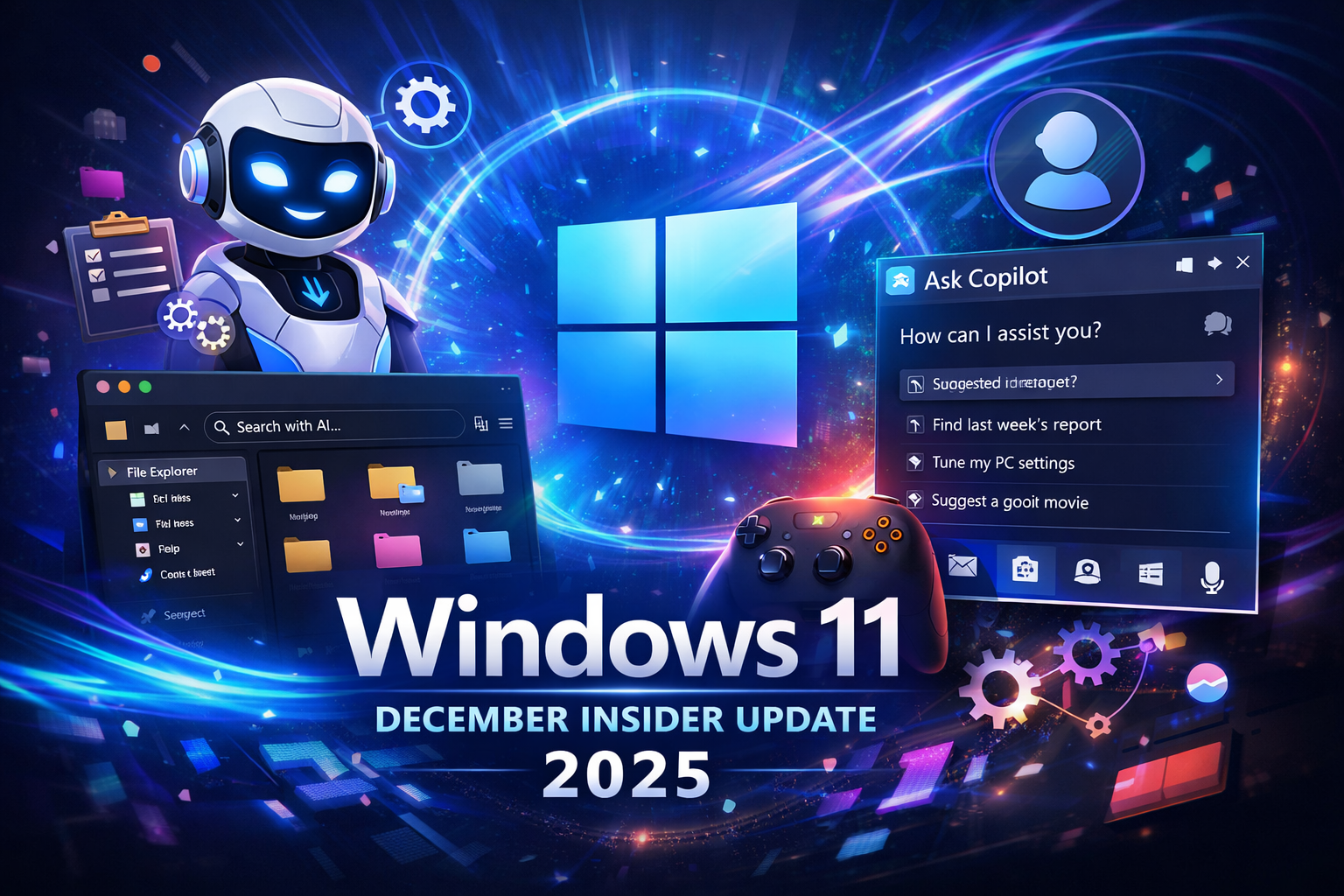
As 2025 comes to a close, Microsoft is quietly laying the foundation for what may become the most dramatic evolution of Windows in decades. While the company typically slows development in December, the latest Windows 11 Insider builds tell a very different story. Instead of a wind-down, Microsoft has delivered a feature-rich preview packed with artificial intelligence, system modernization, and user experience improvements that clearly point toward the future of the operating system.
Released across the Canary, Dev, and Beta Channels, these December builds introduce not just cosmetic changes, but fundamental platform shifts. From AI agents deeply embedded in the Taskbar to smarter File Explorer searches and a new framework for app updates, Windows 11 is steadily transforming into an AI-native operating system rather than a traditional desktop environment with AI bolted on.
This update is less about flashy headlines and more about long-term strategy—and that strategy is becoming impossible to ignore.
A New Phase for Windows Development
Microsoft’s recent Insider releases cover early previews of versions 25H2 and 26H1, signaling that the company is already preparing Windows 11 for its next major milestones. While users in the Dev and Beta Channels received more targeted updates, the Canary Channel continues to act as a testing ground for major architectural changes.
Taken together, these builds show a clear pattern:
- AI is moving from optional features to core system behavior
- Legacy tools are being replaced with modern, centralized experiences
- Windows is becoming more adaptive, conversational, and proactive
This is not a routine update cycle—it’s a transition period.
AI Becomes a System Language, Not a Feature
Model Context Protocol (MCP): The AI Backbone
One of the most significant additions in December is support for the Model Context Protocol (MCP). While it may sound technical, MCP plays a crucial role in Microsoft’s AI ambitions.
MCP allows AI agents, apps, and system services to communicate using a shared, open standard. Instead of each AI tool operating in isolation, MCP creates a secure on-device registry where agents can discover one another, share context, and work together—only with user permission.
This shift turns AI from a single assistant into a coordinated ecosystem.
Microsoft launched MCP with two system connectors:
- File Explorer Connector, allowing AI to manage and search files naturally
- Windows Settings Connector, enabling conversational navigation and configuration
On Copilot+ PCs, users can describe what they’re looking for rather than remembering file names or locations. For example, asking for “that presentation I edited last week about sales” is now possible—and practical.
File Explorer Evolves Into an Intelligent Workspace
Natural Language Search and AI Actions
File Explorer is undergoing one of its most meaningful upgrades in years. With AI-powered search now clearly labeled, users can find files based on:
- Content
- Metadata
- Descriptions
- Image recognition (on supported hardware)
The Home page also introduces contextual actions, such as asking Copilot about a file or opening its location without additional clicks.
A More Complete Dark Mode
Dark mode has been expanded beyond basic visuals. Dialogs for copying, deleting, confirming actions, and error handling now fully respect the system theme, creating a more consistent and polished experience.
People Cards for Personal Accounts
Another notable change is the expansion of People Cards to consumer Microsoft accounts. File Explorer can now display people icons tied to recent activity, making collaboration-related files easier to identify—previously a feature limited to business environments.
Smarter App Updates Without Losing Control
Unified Update Orchestration Platform (UOP)
App updates on Windows have long been inconsistent. Some apps update silently, others prompt users, and many rely on separate background services.
With Unified Update Orchestration Platform (UOP), Microsoft aims to bring order to that chaos:
- Apps appear in a centralized App Updates section in Settings
- Developers keep control of their update servers
- Windows checks for updates intelligently, based on user activity
This approach balances user visibility with developer flexibility—something Windows has struggled with for years.
Creative and Developer Tools Get Serious Attention
Windows MIDI Services: A Long-Overdue Overhaul
Audio professionals finally receive a modern MIDI stack. The new Windows MIDI Services introduce:
- A redesigned API and service architecture
- Full support for MIDI 1.0 and MIDI 2.0
- Seamless translation between standards
- Loopback and app-to-app MIDI routing
For musicians, producers, and developers, this removes decades-old limitations and brings Windows closer to professional audio platforms.
Gaming on Windows Moves Toward Console Simplicity
Xbox Full Screen Experience (FSE)
Microsoft continues merging Xbox design principles into Windows with the expanded Xbox Full Screen Experience. Designed especially for handheld gaming PCs, this mode:
- Launches into a controller-first interface
- Reduces desktop distractions
- Feels more like a console dashboard than a PC OS
This change reinforces Microsoft’s belief that Windows will power the next generation of portable gaming devices.
The Taskbar Becomes an AI Command Center
Ask Copilot Replaces Traditional Search
One of the most disruptive changes is the option to replace Windows Search with Ask Copilot on the Taskbar.
This shift enables:
- AI-based search for apps, files, and settings
- Access to Copilot Vision and Voice
- Interaction with multiple AI agents from one entry point
Rather than typing keywords, users can ask questions naturally—changing how people interact with their PCs daily.
AI Agents Run Directly on the Taskbar
Windows 11 is also testing AI agents that appear like apps on the Taskbar. These agents can:
- Perform long-running tasks
- Show live progress updates
- Operate securely in isolated environments
This is a preview of Microsoft’s “Agentic OS” vision, where intelligent agents actively work on behalf of the user.
Agent Launchers: AI as a First-Class Citizen
Agent Launchers provide a system-level framework that allows AI agents to:
- Register once during installation
- Appear across Windows experiences
- Maintain context and interactive workflows
Built-in Microsoft 365 agents like Analyst and Researcher already use this system, but it also opens the door for third-party developers.
Accessibility and Recovery Improvements Matter More Than Ever
Narrator Gets Deep Personalization
Narrator now lets users decide exactly what information is spoken for different controls. On supported devices, users can describe changes in plain language, preview them, and apply them consistently across apps.
Voice Access Setup Simplified
Voice Access onboarding has been redesigned with a guided setup that handles model downloads, microphone selection, and usage training—making hands-free control far more approachable.
Quick Machine Recovery Becomes Safer
Quick Machine Recovery is now enabled by default on most systems and runs only once before escalating to manual recovery. This reduces unnecessary reboots while still offering automated repair options.
Polishing the Everyday Experience
Smaller but meaningful updates include:
- Windows Studio Effects support for more cameras
- Desktop Spotlight controls via right-click
- New Touch Keyboard voice typing animations
- Discover Windows widget with usage tips
- Optional disabling of Drag Tray
Each improvement removes friction from daily tasks.
What This Update Really Means
Individually, many of these features may seem incremental. Together, they reveal Microsoft’s long-term goal: turning Windows into a platform that understands context, intent, and workflow.
This December Insider update isn’t about what Windows can do today—it’s about what Windows is becoming.
As 2026 approaches, Windows 11 is no longer just an operating system. It’s evolving into an intelligent environment where AI is woven into every layer, from recovery tools to the Taskbar itself.
And this update makes one thing very clear: Microsoft is only getting started.
Windows 11 December Insider Update vs Stable Windows 11 (Public Release)
| Feature Area | Stable Windows 11 | December Insider Builds |
|---|---|---|
| AI Integration | Limited to Copilot app | System-wide AI agents, MCP, Ask Copilot |
| File Explorer Search | Keyword-based | Natural language + AI (Copilot+ PCs) |
| Taskbar Search | Classic Windows Search | Optional AI-based Ask Copilot |
| App Updates | App-specific updaters | Unified Update Orchestration (UOP) |
| File Explorer Dark Mode | Partial | Full dialogs, progress bars, errors |
| Accessibility Tools | Standard Narrator | Fully customizable Narrator with AI |
| Recovery Tools | Manual troubleshooting | Automatic Quick Machine Recovery |
| Gaming UI | Desktop-focused | Xbox Full Screen Experience |
| Camera Effects | Built-in camera only | Multiple external cameras supported |
Traditional Windows Search vs Ask Copilot on Taskbar
| Feature | Windows Search | Ask Copilot |
|---|---|---|
| Search Method | Keywords | Natural language |
| File Search | Filename & location | Description, content, metadata |
| Settings Control | Manual navigation | Conversational changes |
| AI Agents | Not supported | Fully supported |
| Voice Input | Limited | Full Copilot Voice |
| Context Awareness | Low | High |
| Future Expandability | Limited | Core to Agentic OS vision |
File Explorer Before vs After December Insider Update
| Feature | Before | After |
|---|---|---|
| Dark Mode Coverage | Partial | Near-complete UI |
| Search Clarity | Standard search box | AI-labeled search |
| Hover Actions | Minimal | Ask Copilot, quick actions |
| People Cards | Business only | Consumer accounts supported |
| Path Length Limit | Restricted | Optional MAX_PATH removal |
| AI Awareness | None | Integrated on Copilot+ PCs |
App Update System: Old Method vs Unified Update Orchestration Platform (UOP)
| Aspect | Old App Updates | UOP System |
|---|---|---|
| Update Location | Separate app updaters | Settings > Apps > App Updates |
| User Visibility | Low | High |
| Developer Control | Full | Full (unchanged) |
| Windows Involvement | None | Smart orchestration |
| Update Timing | Random | Activity-based |
| Consistency | Inconsistent | Predictable |
Accessibility Improvements Comparison
| Feature | Earlier Windows 11 | December Insider |
|---|---|---|
| Narrator Output | Fixed order | Fully customizable |
| Control Announcements | All enabled | Selectable & reorderable |
| Natural Language Setup | No | Yes (Copilot+ PCs) |
| Voice Access Setup | Manual | Guided wizard |
| Preview Changes | Not available | Real-time preview |
Gaming Experience: Desktop Mode vs Xbox Full Screen Experience
| Feature | Standard Windows Gaming | Xbox Full Screen Experience |
|---|---|---|
| UI Style | Desktop-based | Console-like |
| Controller Focus | Secondary | Primary |
| Handheld Optimization | Poor | High |
| Boot Experience | Windows desktop | Full-screen Xbox UI |
| Target Devices | Laptops & PCs | Handheld gaming PCs |
AI Architecture: Traditional Windows vs Agentic Windows 11
| Area | Traditional Windows | Agentic Windows (Insider) |
|---|---|---|
| AI Role | Optional assistant | Core system function |
| Agent Communication | None | Model Context Protocol |
| Task Automation | Manual | Agent-driven |
| Taskbar | Static icons | Live AI agents |
| Extensibility | Limited | Agent Launchers framework |
| User Interaction | Click & type | Ask, speak, describe |
Camera & Media Features Comparison
| Feature | Earlier Builds | December Insider |
|---|---|---|
| Studio Effects | Built-in camera only | External & rear cameras |
| Camera Controls | Basic | Advanced per-device settings |
| Professional Use | Limited | Expanded |
Summary Table: What This Update Changes Most
| Area | Impact Level |
|---|---|
| AI Integration | 🔥 Very High |
| User Experience | 🔥 High |
| Accessibility | 🔥 High |
| Gaming | 🔥 Medium |
| System Stability | 🔥 Medium |
| Visual Polish | 🔥 Medium |
Final Thoughts: Why This Update Matters More Than It Looks
At first glance, the December Windows 11 Insider update may seem like another routine preview drop filled with experimental features. But when you step back and look at the full picture, it becomes clear that this update represents something far more important: a turning point in Microsoft’s vision for Windows.
This is not simply about adding AI tools or polishing the interface. Microsoft is actively redefining what an operating system should do in an era where artificial intelligence is no longer optional. With AI agents embedded into the Taskbar, natural language becoming a core method of interaction, and system-wide frameworks like Model Context Protocol and Agent Launchers, Windows 11 is evolving from a passive platform into an active, intelligent environment.
What stands out most is how deeply these changes are integrated. AI is no longer confined to a single Copilot window. It now touches File Explorer, Settings, search, accessibility tools, recovery systems, and even the way apps update. This level of integration suggests Microsoft is preparing Windows for long-term relevance, not short-term experimentation.
Equally important is the balance Microsoft is trying to strike. Despite the heavy focus on AI, the company hasn’t ignored traditional Windows users. Improvements to dark mode, accessibility customization, gaming interfaces, recovery tools, and developer APIs show a continued commitment to reliability, performance, and user control. Features like optional toggles, permission-based AI access, and local processing on Copilot+ PCs indicate that Microsoft understands concerns around privacy and usability.
From a broader perspective, this update hints at what Windows may look like in 2026 and beyond:
- An operating system where you ask instead of search
- A Taskbar that shows progress, not just icons
- A system that understands context, not just commands
- A platform where AI works with the user, not around them
For Insiders, these builds offer an early glimpse into that future. For everyone else, they signal that Windows 11’s most transformative phase is still ahead. If Microsoft executes this vision carefully—without overwhelming users or sacrificing performance—Windows could become more intuitive, more accessible, and more powerful than it has ever been.
In short, the December Insider update may arrive quietly, but its implications are anything but small.